
All your subscriptions in one place.
Track renewals, monitor spending, and get reminders before charges hit. Simple, beautiful, and efficient.
iOS & Android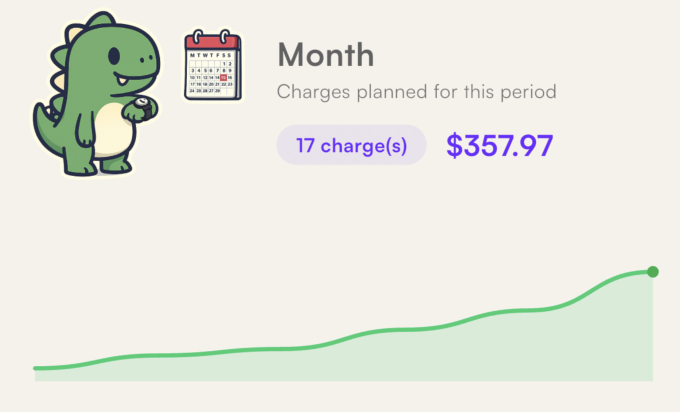
How it works
- 1
Add your subscriptions
Choose from 199+ popular services or add your own.
- 2
Track your spending
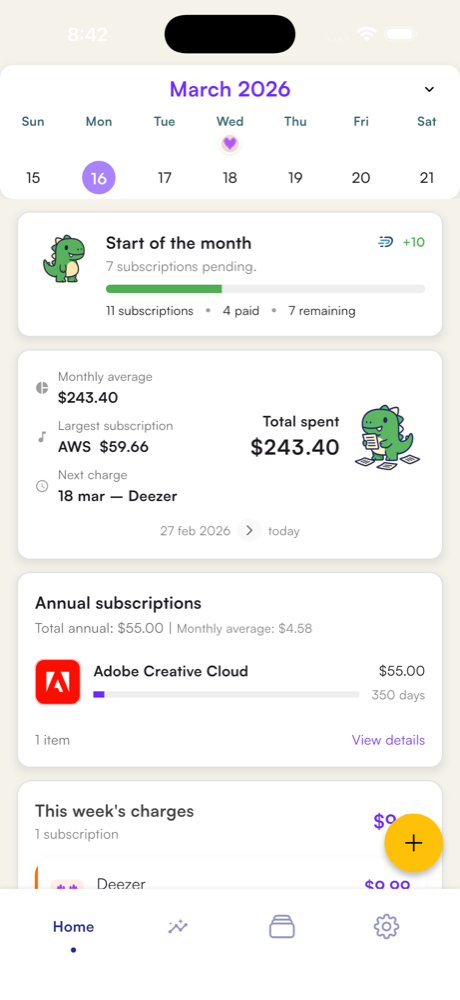
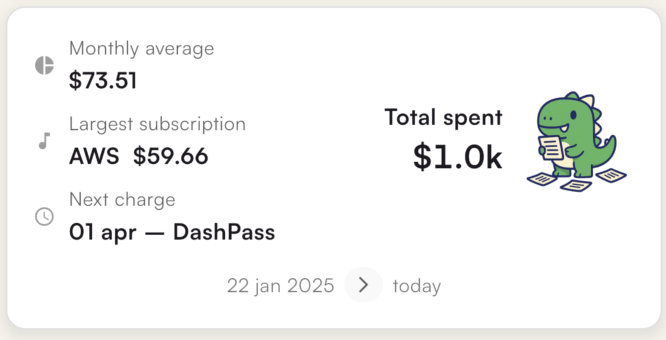
See how much you spend per month, by category, and in total.
- 3
Get reminders
Smart notifications before renewals. Never forget to cancel again.
Everything you need
Designed to simplify your subscription management.
199+ services
Netflix, Spotify, ChatGPT, and hundreds of other pre-loaded services.
Smart notifications
Reminders before renewals so you're never caught off guard.
Trial tracking
Track trial periods and know when charges begin.
Shared subscriptions
Split costs and see how much each person pays.
Price history
Track price changes over time.
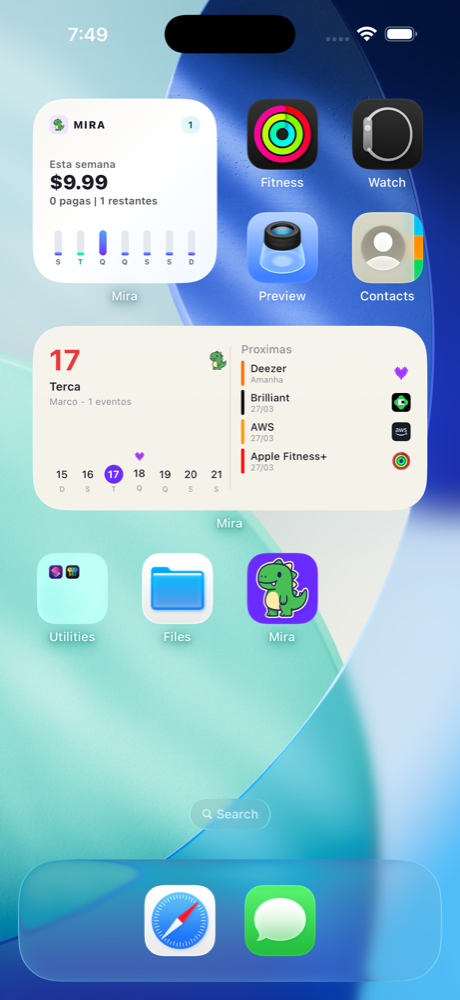
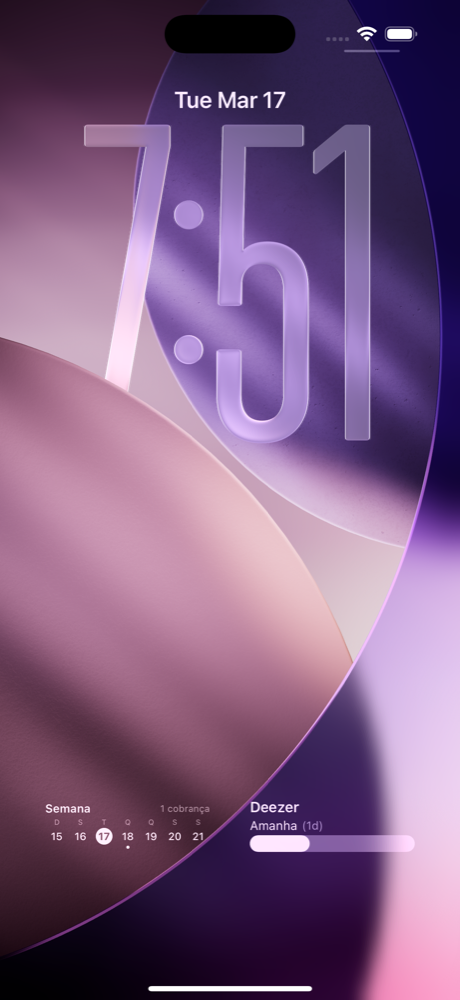
Home screen widget
Quick access to info right from your home screen.
Cloud sync
Your data safe and synced across devices.
Works offline
Access your data even without an internet connection.
See Mira in action
Every detail was designed to give you full control over your subscription spending.
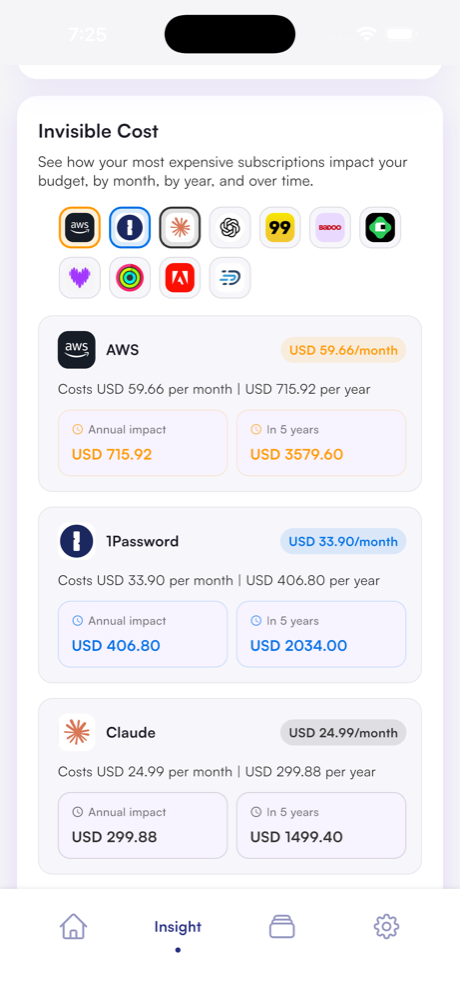
Discover the invisible cost
See the real impact of your subscriptions on your budget — monthly, yearly, and over 5 years. You might be surprised.
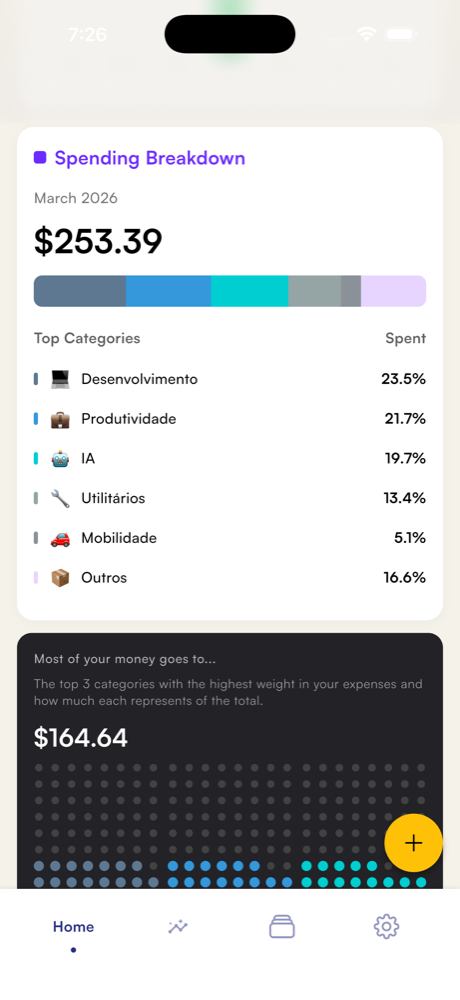
Understand where your money goes
Visualize your spending by category with a detailed breakdown. Know exactly how much you spend on development, productivity, AI, and more.
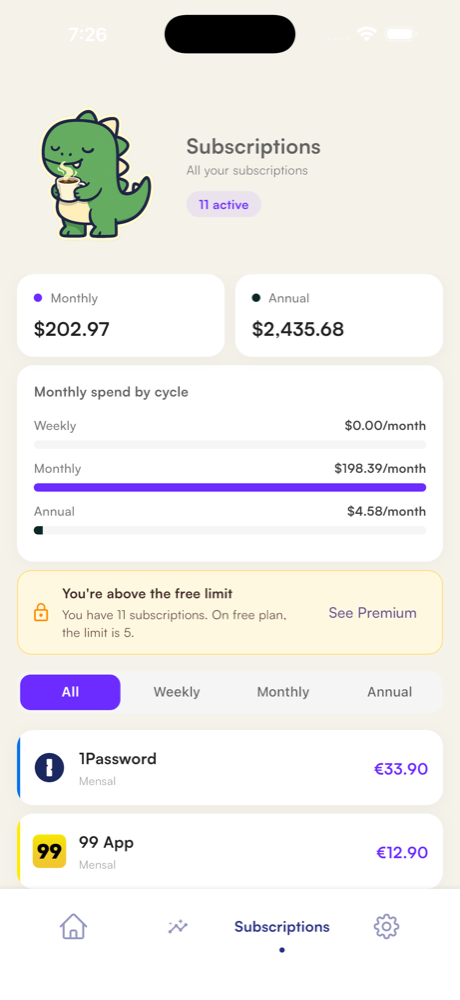
All your subscriptions organized
See monthly, annual, and weekly in one place. Track totals by billing cycle and have clarity on every cent.
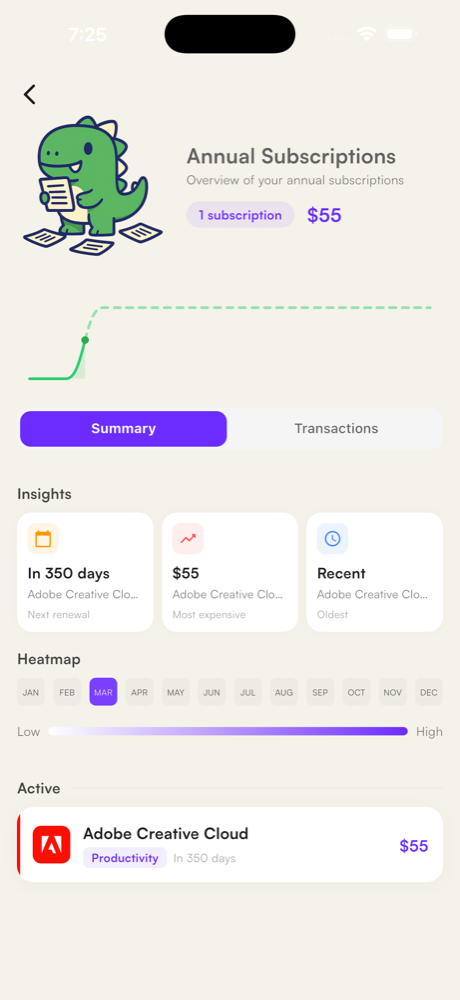
Complete overview by period
Track your annual subscriptions with insights, activity heatmap, and upcoming renewals. All in one screen.
Always at hand, wherever you need
Frequently asked questions
Is Mira free?
Yes. The free plan lets you add up to 5 subscriptions and already includes notifications and offline mode. The Premium plan unlocks unlimited subscriptions, Cloud Sync, advanced Insights, and much more.
Does the app access my accounts or bank?
No. You add your subscriptions manually. Mira does not request or store banking data, passwords, or access to any external account.
Is my data secure?
Optional sync sends account and subscription data to the cloud. We also use usage analytics, which may be linked to your account. See the Privacy Policy for details about data processing and your rights.
Does it work on Android?
Yes. Mira is available for both iOS and Android, including native widgets for the home screen and lock screen.
How do I cancel the Premium plan?
Through the App Store (iOS) or Google Play (Android), in the subscriptions settings. Cancellation is immediate and you continue with the free plan.
Does the app work without internet?
Yes. Offline mode is available on all plans. Cloud sync happens automatically when a connection is available.